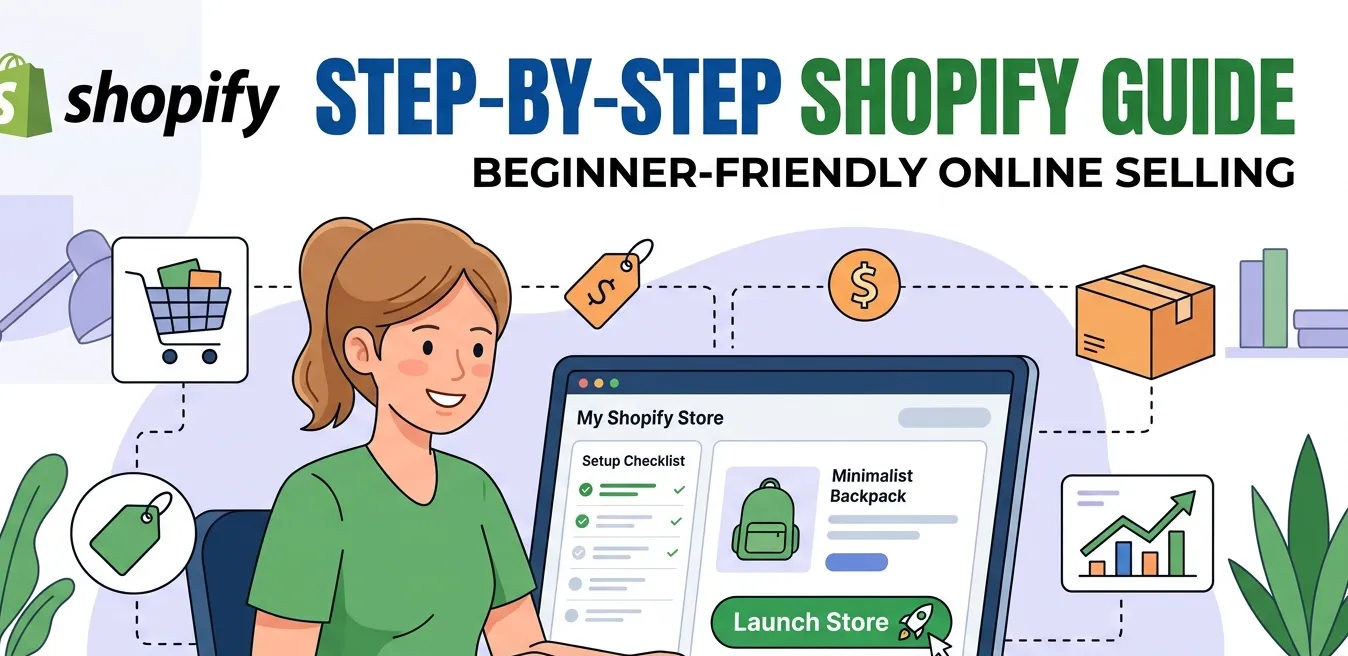
Have no idea how to code? No problem! Shopify has got you covered. You don’t need a perfect plan to start just a platform that moves as fast as your ambition. Shopify strips away the noise and puts your products in front. It makes them ready for the world to see and buy. It’s not about complicated setups or endless tweaks, it’s about getting live, getting noticed & getting sales.
Remember! Don’t just post products, sell them. But the question is how does shopify work? Well, the answer is simpler than you think… and it starts right here so continue reading.
What is Shopify?
The first thing you need to understand is what is shopify and how does it work.
Shopify is an eCommerce platform that helps you sell products online and in person. It allows you to create your own store, manage payments, track orders and grow your business, all in one place.
Because it’s cloud based you can run your store from anywhere using the internet. Whether you’re just starting or already running a big brand, Shopify gives you the tools to build, customize & scale your business.
In short shopify helps you start, manage and grow your store without needing technical skills. Why Shopify? Because “soon” should’ve been “already.”
Also if you are looking for the best Shopify Development Services Web Dev Studioz has got you covered. So what’s the wait for? Consult Now!
How Does Shopify Work? Step-by-Step Breakdown for New Sellers
Shopify works as an all in one platform to grow your online store. Follow the given simple steps to understand how does shopify work
Create Your Account
Shopify lets you build your online store quickly using ready made themes or AI tools. No need for coding skills to get started. Simply choose a design & customize it to match your brand. To get started you sign up on Shopify using your email, store name and password
This instantly creates shopify dashboard where you can manage everything. You can also choose a free trial or select a paid plan depending on requirements. Once done your store workspace is ready to customize
Add Your Products
Easily upload products with images, prices as well as descriptions. Organize them into collections so customers can find what they need faster. Everything is managed from one simple shopify dashboard. A poorly designed store loses customers fast — here’s what Shopify store design elements actually make a difference and help you stand out in a crowded market.
Payment Gateway
Shopify provides secure payment options for your customers. You can accept credit cards, digital wallets, and more. Payments are processed smoothly without any technical setup. You can also integrate payment systems like PayPal or Stripe. The point is to provide customers a safe and convenient payment method. Before you go live, go through this Shopify store launch checklist to make sure nothing important gets missed.
Connecting a Domain
You can either buy a new domain directly through Shopify or connect one you already own. This gives store a unique web address making brand look more professional & trustworthy. It also helps customers easily find and remember your store online. Once connected Shopify automatically provides an SSL certificate to keep your site secure. Just make sure everything is properly verified so your store runs safely and smoothly.
Manage Orders
All your orders are shown in one place for easy tracking. You can update order status, manage returns and send notifications. This keeps your operations organized and efficient. Best thing is that you can also sell across multiple channels like Google, Walmart, eBay, Instagram and other websites.
Ship Products
Shopify helps handle shipping with ease. You can print labels, track deliveries & even automate fulfillment. It saves time as your order volume grows. You can also track the orders from the dashboard as they reach your customers.
Sell Everywhere
You’re not limited to just your website. Shopify allows you to sell on social media, marketplaces and even in physical stores. Everything stays synced in one system
Grow Your Business
With builtin marketing tools and analytics you can track performance and reach more customers. You can also add apps to expand features. Shopify grows with your business over time. But before using this option remember to check the terms & conditions as well as pricing and other factors
If you still have some confusion or any questions we can help you by providing best Shopify Development Services.