
Most websites aren’t losing customers because of bad products, they’re losing them in the first 5 seconds. If visitors can’t find what they need, they’ll leave. A slow load, confusing layout, or unclear message is enough for visitors to leave instantly.
But the surprising part is that you can fix most of this without rebuilding your entire website. Small, focused improvements in design, structure, and usability can dramatically change how users interact with your site. Ready for a website makeover? Start with these 10 Powerful website design tips and watch the difference they make.
What are the 10 Powerful Website Design Tips to Instantly Improve Your Site?
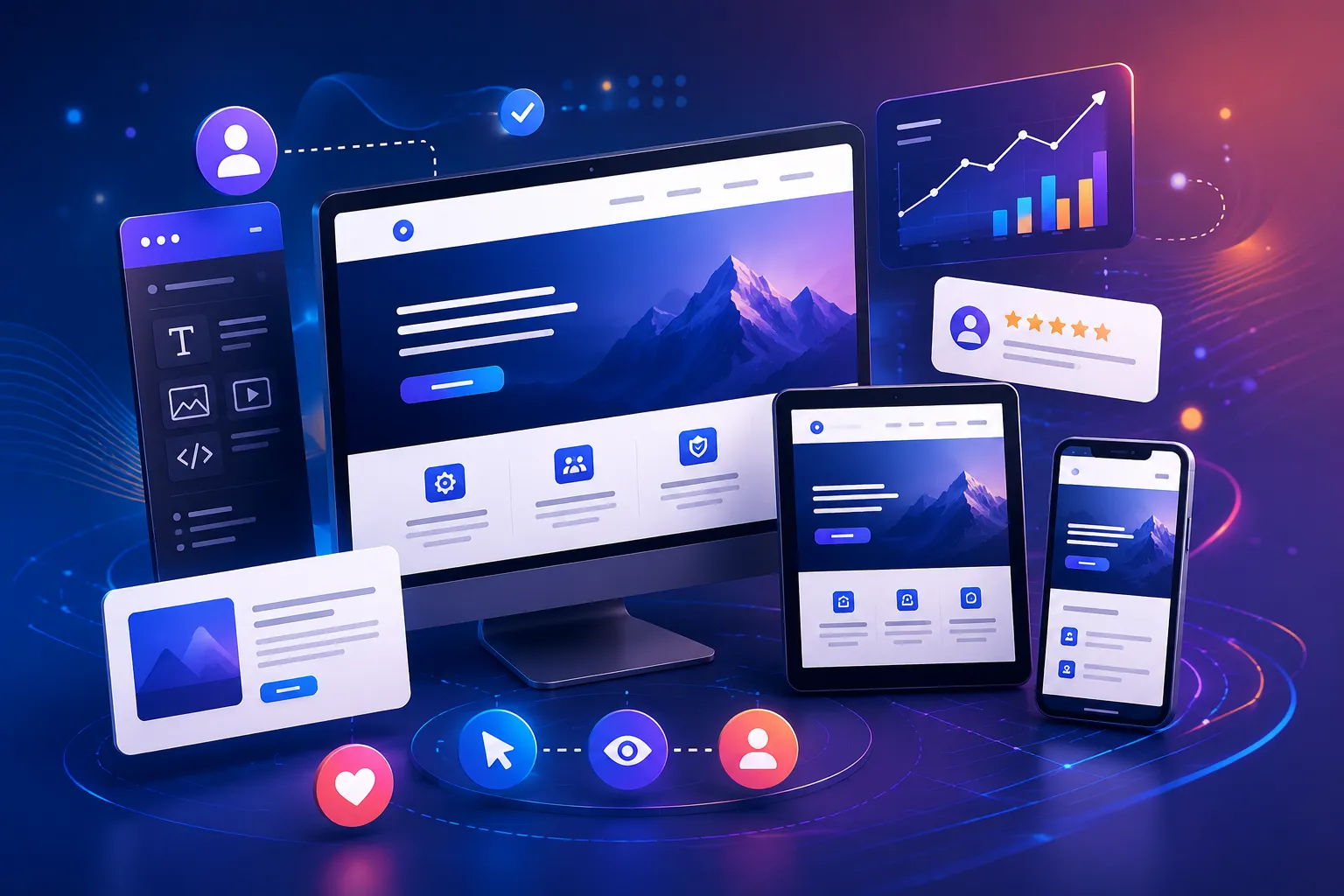
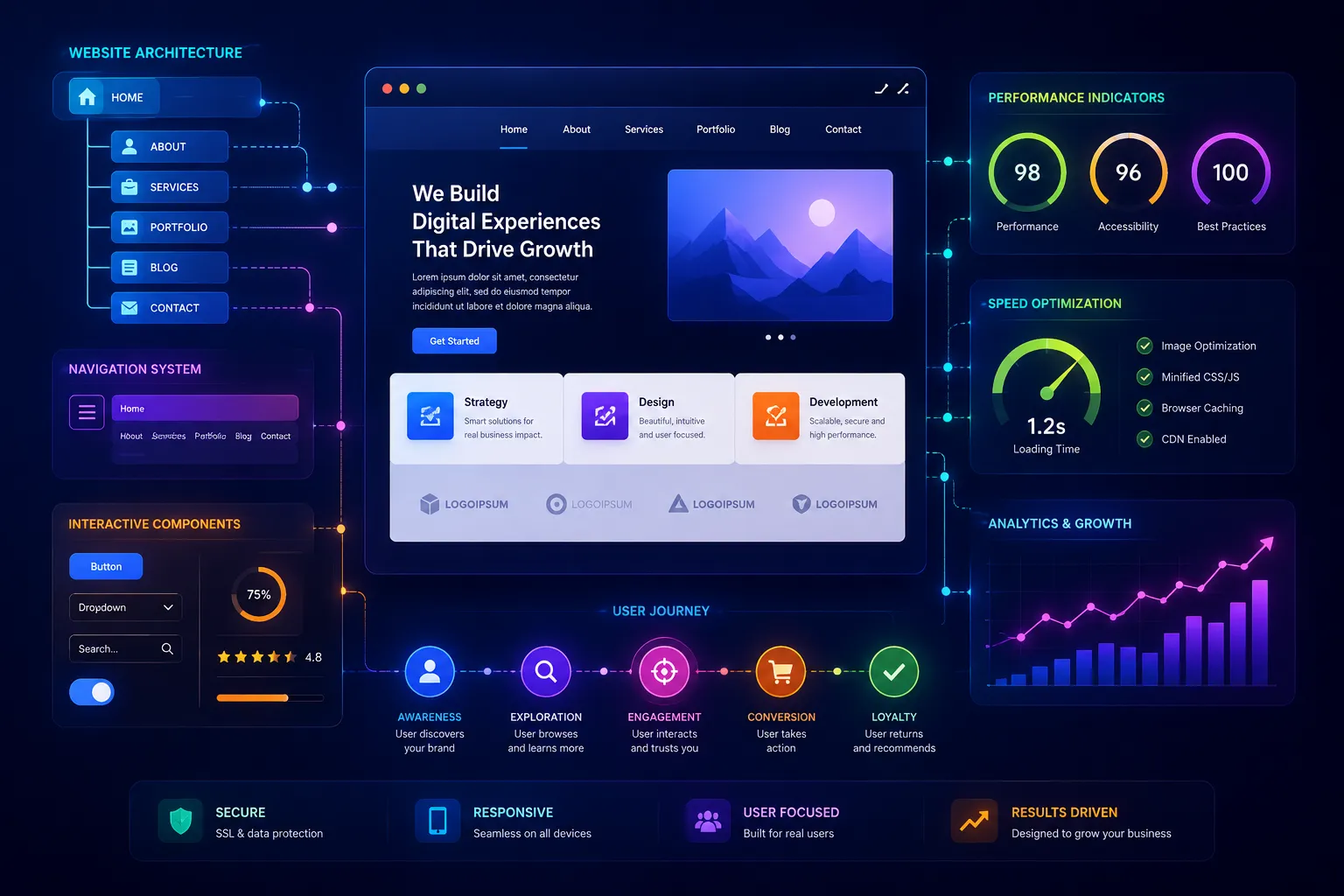
Whether you’re running an ecommerce store, a service based business or a lead generation website, there are simple ways to improve performance quickly and effectively. If you want to improve your website keep your message clear, navigation simple, and website fast so visitors can quickly find what they need. Use strong CTAs, high quality visuals, and a mobile friendly design to keep users engaged. These small but impactful improvements can help increase traffic, boost conversions, and turn your website into a powerful business tool.
Even if you’ve never designed a website before, these practical SEO website design tips will guide you in the right direction. Below are 10 essential web design improvements based on real user behavior and current trends to help you build a high converting website.